

Your first blog is free. Your choice isn't.
Many often begin in the same place. You've got an idea, a niche, maybe a product angle, and you want to publish without paying for hosting, themes, or a full stack on day one. That's smart. A free blog is a low-risk way to test whether you can stick with the work long enough to earn traffic, leads, or sales.
The mistake is treating every free platform like it's interchangeable.
I've launched on simple hosted builders, published on network-driven platforms, and dealt with the ugly part later, moving content, rebuilding URLs, fixing branding, and trying to regain control over what should have been mine from the start. Free is useful, but free tiers come with trade-offs around ownership, custom domains, monetization, and migration. That matters more to entrepreneurs than it does to hobby writers.
A lot of “best free blogging platforms” lists stop at editors, themes, and ease of use. That's not enough. One of the biggest gaps in this category is migration and ownership risk. Recent coverage of the space shows a fragmented field of true free options, while many comparison pages still focus more on feature lists than on export friction or exit costs for founders who may need to scale later (Themeisle's platform roundup).
If you just want the short version, here it is. WordPress.com is the safest long-term business pick for many. Medium is strong if you need distribution fast. Blogger is the easiest zero-cost launch. Substack is the best free starting point if email is the business. The rest depend on format, audience, and how much control you'll need later.
1. WordPress.com
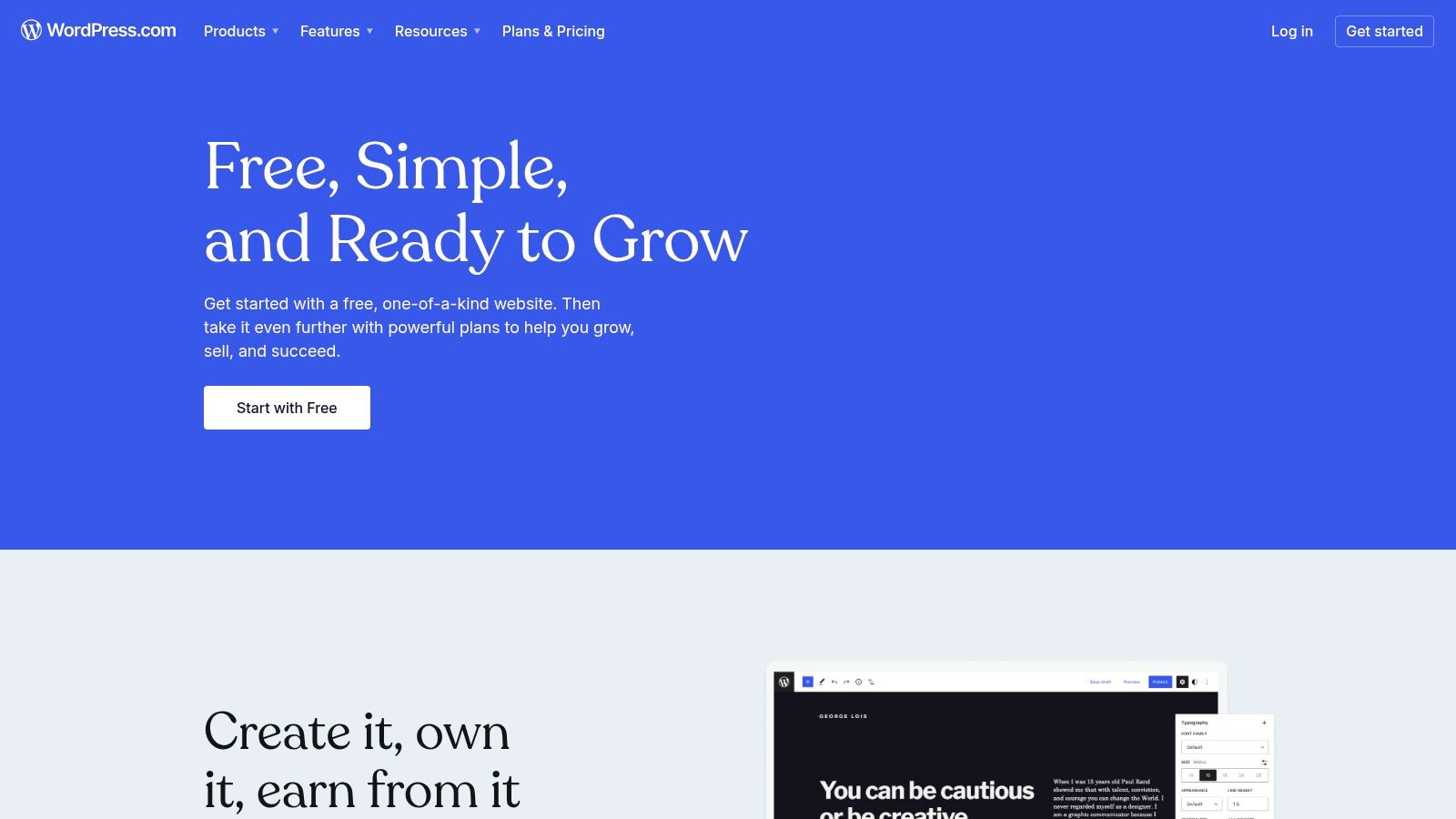
WordPress.com is where I'd send most entrepreneurs who want a free start without boxing themselves into a bad future decision. You get a hosted setup, familiar publishing workflow, and a path upward that doesn't force an immediate rebuild when the project starts working.
That long-term value isn't accidental. WordPress became the benchmark for blogging because a 2017 industry estimate said it powered 27% of the internet, and its ecosystem includes more than 59,000 free plugins, which helps explain why it became the default reference point for customization, SEO, and scale (Capital & Growth on WordPress's historical importance).
Why it works for business-minded beginners
The free plan is limited, but the platform logic is solid. You can start publishing on a subdomain, learn the block editor, organize content properly, and upgrade later instead of migrating sideways into a different ecosystem.
That's a big difference from platforms that feel easy at first but become expensive in time and lost flexibility.
Practical rule: If you think there's even a decent chance your blog could become a content business, start where exportability and upgrade paths already exist.
The real trade-off
You won't get full freedom on the free tier. Ads appear on free sites, custom domains require an upgrade, and advanced plugin-level flexibility isn't part of the starting plan. So WordPress.com is not the same as running fully self-controlled WordPress on your own hosting.
Still, it's one of the few free options that behaves like a serious staging ground rather than a dead-end. If you want a stronger sense of what changes when you move beyond the free version, this breakdown of the real cost of WordPress is worth reading.
For founders who already suspect they'll want a more serious setup later, I'd also keep this guide to launching a WordPress blog with income potential in mind. It's the natural next step once validation turns into commitment.
Use WordPress.com if you want the best balance of free launch, future ownership, and business flexibility.
2. Blogger

Blogger is the simplest way to get a blog live without spending anything or overthinking infrastructure. If you have a Google account, you can move from idea to published blog fast, and that's still its main advantage.
Among common free options, Blogger stands out for launch friction. It's fully free, requires only a Google account, and lets you publish without paying for hosting, which makes it a practical tool for validating a niche before you invest in a more custom setup (launch overview via the referenced video guide).
Where Blogger still makes sense
I like Blogger for one specific job. Test whether you can publish consistently on a topic.
If you're stuck between three niche ideas, or you're helping a new brand prove that an audience exists, Blogger gets out of the way. There's very little setup overhead, and very little maintenance. That simplicity is useful when you're trying to learn whether the business idea has content legs at all.
A straightforward company content experiment can still teach you a lot. EntreResource's piece on how blogging can propel your business forward aligns with that reality. Publishing regularly often clarifies the offer, the audience, and the language your market responds to.
What doesn't age well
Blogger starts to feel thin once brand presentation and deeper control matter. Themes are basic, customization is narrow compared with modern builders, and the ecosystem doesn't give you the same confidence that your blog can mature into a full business asset.
That doesn't make it bad. It makes it transitional.
Blogger is good at answering one question. “Should I keep publishing in this niche?” It's not as good at answering the next one. “How do I turn this into a defensible brand?”
Use Blogger when speed, zero cost, and low maintenance matter more than design polish or long-term extensibility.
3. Medium
Medium is the best answer when your biggest problem isn't publishing. It's distribution.
That's why Medium has stayed relevant for so long in discussions about the best free blogging platforms. Wix describes Medium as having a built-in audience of 100 million readers, which made it one of the strongest examples of free publishing tied to discovery, not just hosting (Wix's blogging platform comparison).
Medium is a channel first, a website second
If you write strong opinion pieces, essays, founder lessons, or educational content, Medium can get your work in front of readers faster than a standalone free blog. The editor is clean, the posting workflow is simple, and you don't need to think much about design.
That simplicity is exactly why some founders do well there early. They stop fiddling with layouts and start publishing.
I'd consider Medium when:
- You need reach fast: The built-in network can help new ideas find readers.
- Your brand is your writing: If design matters less than clarity and insight, Medium fits.
- You want topic validation: It's useful for figuring out which ideas pull attention before you build a full site.
A good companion resource here is EntreResource's roundup of blogging tools experts keep coming back to, especially if you're building a workflow around writing velocity rather than site customization.
The trap founders miss
The audience mostly lives on Medium, not on your property. Your branding is limited. Your SEO control is limited. Your site architecture is barely yours.
That doesn't mean you shouldn't use it. It means you should use it intentionally. Medium is strongest as a distribution layer, a thought-leadership channel, or an early-stage testing ground. I wouldn't treat it as the final home for a long-term brand unless your entire strategy is tied to publishing inside someone else's ecosystem.
Use Medium when audience access matters more than full ownership.
4. Substack
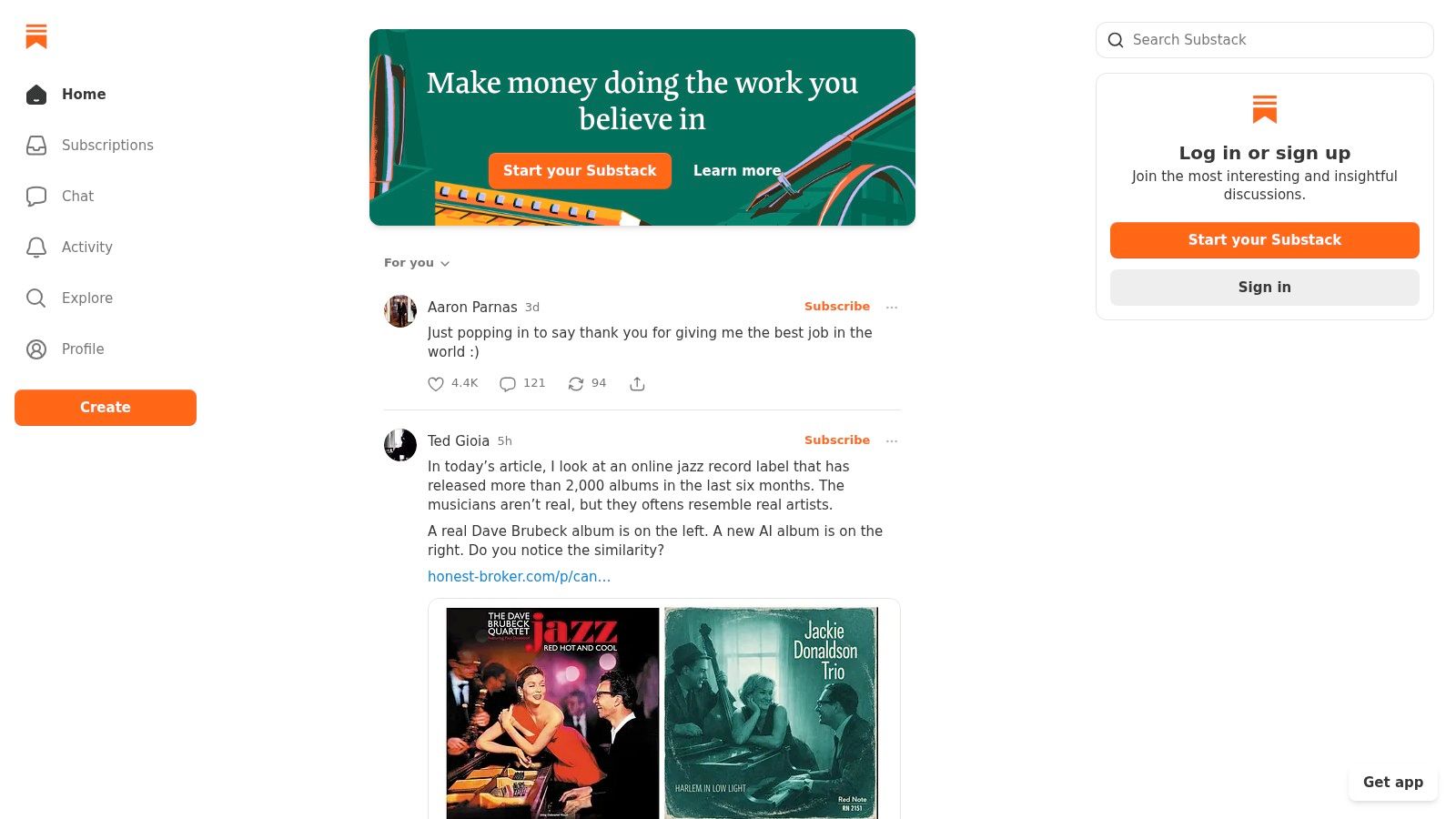
Substack is what I recommend when the business model is closer to “newsletter with archives” than “SEO blog with category pages.” If your main asset is a direct relationship with readers, Substack solves the hardest part early. It gets your publishing and email list in the same place.
That matters because many founders don't need a traditional blog first. They need a repeatable channel they own more directly than social reach.
Best when email is the product
Substack lets you publish posts, send them by email, and build a subscriber base without monthly platform costs at the beginning. That makes it attractive for solo operators, analysts, creators, and niche experts who want to test paid or free editorial content.
Its strengths are practical:
- Email and publishing are unified: No patching together separate tools just to start.
- Discovery exists inside the network: Recommendations can help new publications get seen.
- Monetization is built in: You can move into paid subscriptions if the audience wants deeper access.
Where it can pinch later
Substack is not where I'd start if my main plan was building a broad content site around search, branded design, and layered monetization. The site experience is narrow, design control is limited, and once a publication becomes bigger, many founders start wanting more control than the system comfortably gives them.
You should also take platform economics seriously. Substack takes a 10% platform fee when you charge, plus Stripe processing fees. That's a reasonable trade early. It can feel expensive later if your business grows.
If your priority is building an email list you can write to consistently, Substack is one of the cleanest free starting points available. If your priority is building a full media property, it's often a temporary home.
Use Substack when direct audience ownership through email matters more than deep website customization.
5. Wix

A founder needs a site live this week. There's a service to explain, a few trust-building pages to publish, and a blog that will support sales over time. Wix fits that situation better than platforms built mainly for writers.
I've used Wix for early-stage projects where speed and presentation mattered more than content depth. It gets a business-looking site online fast, and that has real value when the blog is only one part of the customer journey. A consultant, agency, local business, or portfolio-based founder can often get to a credible first version faster here than on a more content-heavy system.
Where Wix makes sense
Wix is strongest when the business needs a polished front end before it needs publishing power. The visual editor is easy to work with, templates shorten setup time, and you can test positioning without touching code.
That makes it useful for questions like these:
- Do you need service pages to do more work than blog posts?
- Is brand presentation part of the sale from day one?
- Do you need a presentable site before you know exactly what content strategy will follow?
Those are business questions, not just website questions.
The trade-off entrepreneurs should watch
The free plan works for validation, but it advertises that you are still in test mode. You get a Wix-branded URL, visible platform branding, and a setup that can feel limiting once the business wants more control over structure, portability, and monetization.
That is the Wix trade-off. It helps you launch quickly, but the same convenience can become a constraint later. If your long-term plan is a serious content engine with layered SEO, custom workflows, and broad monetization options, Wix often works better as a starting point than a permanent home.
I usually recommend Wix to founders who are validating an offer with content support, not founders trying to build a publication-first asset. Those are different goals, and choosing the wrong platform early can create expensive migration work later.
Use Wix if design speed and business presentation matter more than maximum content flexibility.
6. Weebly
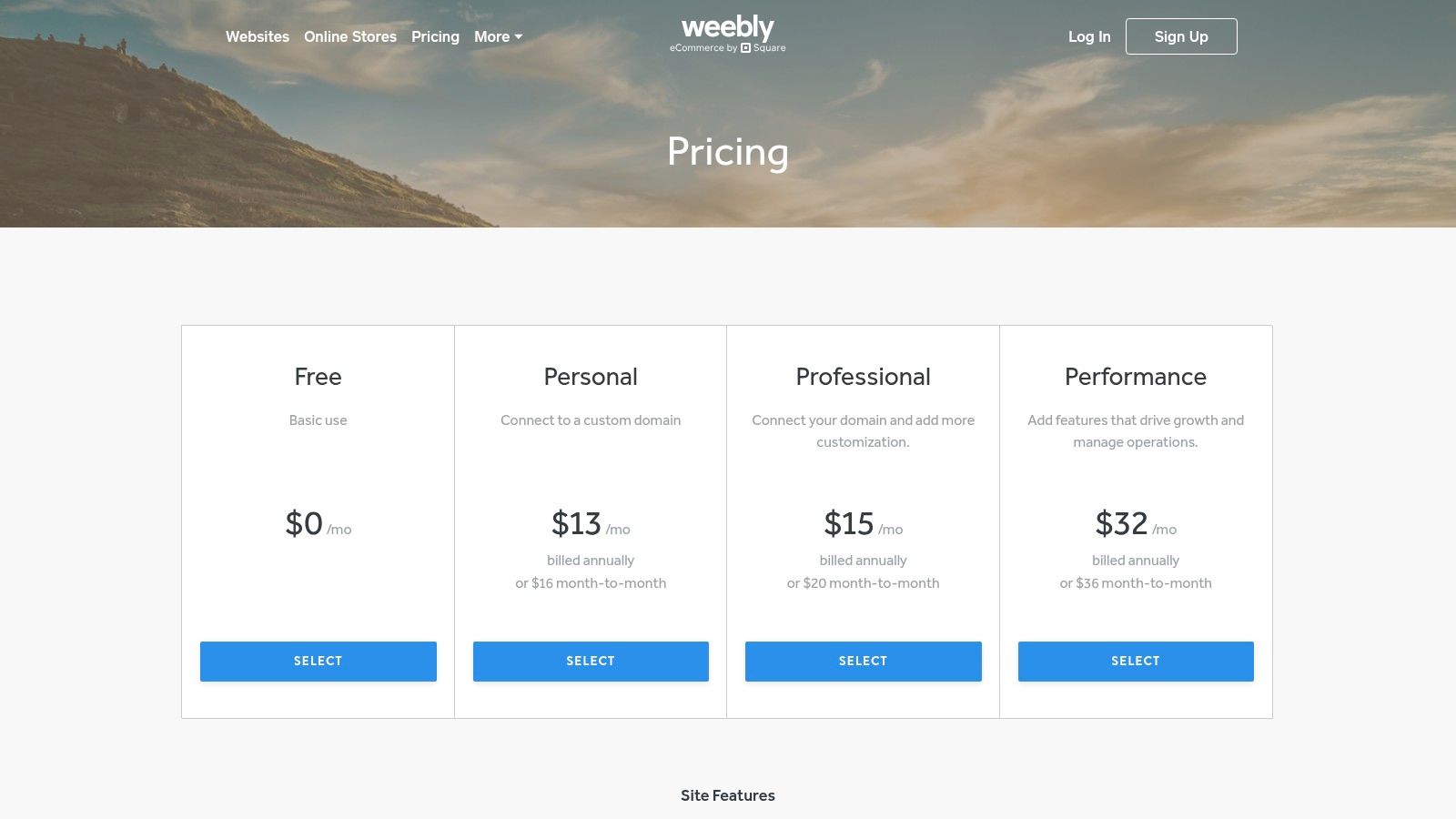
Weebly sits in a practical middle ground. It's easier than a full CMS, less writing-centric than Medium or Substack, and more commerce-aware than many free blog tools.
I don't usually put Weebly first on a recommendation list, but I do think it's underrated for one specific use case. A simple content site that may also test light selling.
A decent choice for hybrid experiments
If you're not building a serious publication and you're not obsessed with deep customization, Weebly can work. The drag-and-drop editor is approachable, publishing is straightforward, and the connection to Square makes it more relevant than a basic blog host for entrepreneurs who may want to test product demand alongside content.
That combination matters for side hustles and early-stage niche brands. Sometimes the blog is there to support a catalog, a lead magnet, or a simple storefront, not to become a giant SEO property.
Where it falls short
Weebly doesn't give you the strongest design ceiling, and it doesn't give you the strongest content ceiling either. It's functional, but it rarely feels like the obvious long-term home for a serious media brand.
I'd think of it this way:
- Better than overcomplicating a first launch: Good if you need something live quickly.
- Better for light business sites than pure publishing brands: Especially if selling is part of the plan.
- Worse for long-term content effectiveness: Not the place I'd choose if organic search and content architecture are central.
Use Weebly when you want a beginner-friendly site builder with basic blog capability and a simple path to testing sales.
7. Google Sites
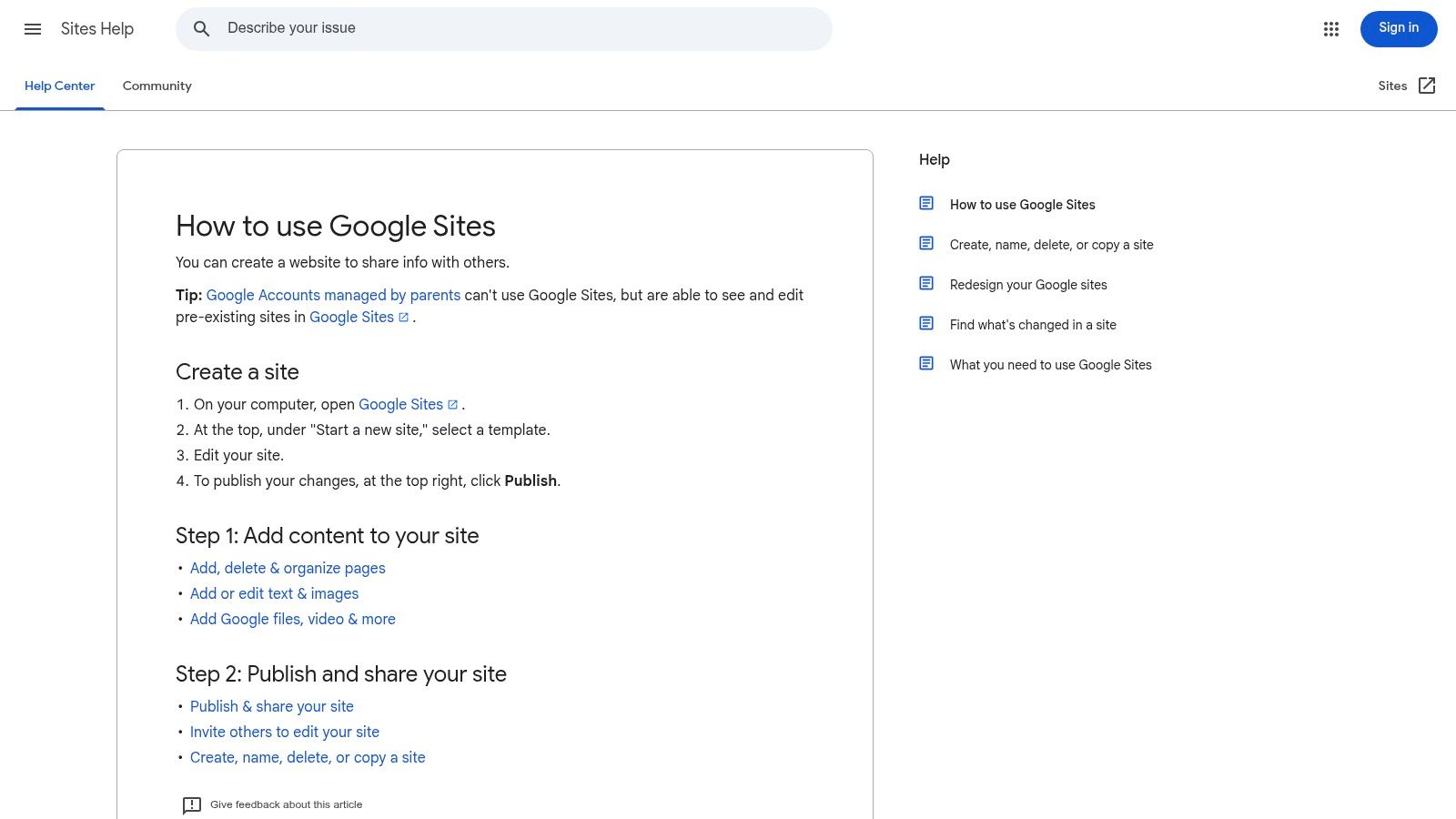
Google Sites isn't a blogging platform in the classic sense. It's closer to a lightweight site builder for people who care more about zero overhead than presentation.
That sounds like faint praise, but there are cases where it's exactly right.
When simple is actually the smart move
If you're publishing internal-facing resources, a small project hub, a founder memo archive, or a bare-bones microsite, Google Sites is hard to beat for simplicity. It connects easily with the Google ecosystem, collaboration is easy, and maintenance is almost nonexistent.
I wouldn't pick it for a brand that depends on strong blog design, structured SEO control, or nuanced content marketing. But that doesn't mean it has no business use.
Some projects don't need a “real blog.” They need a reliable publishing surface with no technical drag. Google Sites can do that job.
What you give up
You give up a lot of polish. Design flexibility is narrow. Content presentation is plain. The setup can also get awkward if you need a custom domain and you're dealing with registrar or Workspace details.
That said, if your goal is to publish information under a business umbrella and keep operations friction low, Google Sites is better than forcing an advanced tool into a low-stakes project.
Use Google Sites for simple publishing, documentation-style content, or collaborative microsites where speed beats brand sophistication.
8. Tumblr

Tumblr still has a place, but it's a narrow one. If your content is visual, short-form, community-driven, and highly shareable, Tumblr can outperform more traditional blog tools for that format.
If your goal is structured evergreen content, it's the wrong tool.
Best for cultural and visual niches
Tumblr shines when your content behaves more like media fragments than articles. GIFs, images, fandom-adjacent content, commentary bursts, aesthetic posts, and short updates fit naturally there. Reblogs and tags create a kind of built-in circulation that can spike visibility in a way standalone blogs usually can't.
That makes Tumblr interesting for creators building taste-based brands or experimental media identities.
Weak fit for business blogging
Entrepreneurs often ask if Tumblr can work as a startup blog. Usually, no. Not because it can't publish content, but because the platform structure doesn't support the kind of durable, searchable, brand-controlled content most businesses need.
Its strengths are social and cultural. Its weaknesses are ownership, structure, and long-term brand control.
A quick decision filter:
- Use Tumblr if format is the advantage: memes, visual commentary, micro-posts.
- Avoid Tumblr if content strategy matters: pillar content, brand pages, service positioning.
- Treat traffic spikes carefully: attention there can be fast and unstable.
Use Tumblr when community dynamics and multimedia posts matter more than formal site ownership and SEO structure.
9. Hashnode
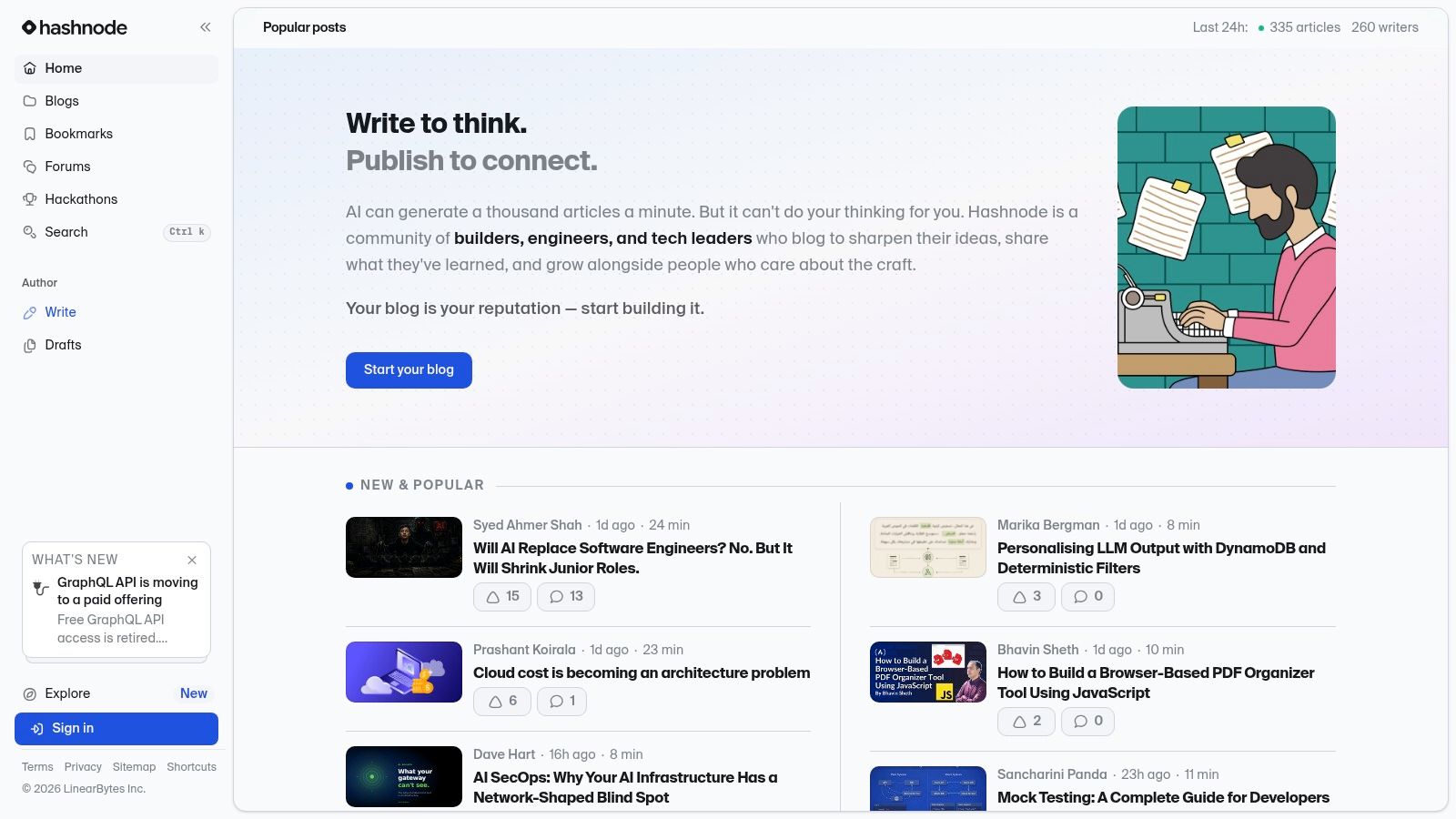
Hashnode is one of the better free platforms for technical founders, developers, and engineering teams who want publishing without maintaining a full custom blog stack.
It has a clear audience, and that's its biggest advantage. General-purpose platforms often make technical writing feel bolted on. Hashnode does the opposite.
Strong fit for developer credibility
If you're writing engineering tutorials, architecture notes, product build logs, or developer-focused thought leadership, Hashnode makes sense fast. The editor is clean, code formatting is natural, and the community context helps technical content land with the right readers.
That matters if your content is part of a developer relations strategy or a founder-led technical brand.
Less useful outside technical niches
I wouldn't use Hashnode for lifestyle content, general marketing content, or commerce-first blogging. The audience expectations and platform identity are too specific. That focus is a feature if you're in the lane. It's a limitation if you're not.
A few practical advantages stand out:
- Custom domain support helps branding: You can present a more serious front without managing your own infrastructure.
- Technical formatting is built for the job: No fighting a generic editor.
- Community alignment helps discovery: Especially if credibility in developer circles matters.
Use Hashnode when your blog exists to reach technical readers and strengthen expertise-driven positioning.
10. GitHub Pages
GitHub Pages is the most powerful free option on this list if you're comfortable working in code. It's also the least forgiving for beginners.
I've seen technical founders love it because it gives them something many free platforms don't. Full structural control without recurring hosting complexity for a simple static site.
Best for builders who want control
With GitHub Pages, your blog can live in a repository, use Jekyll or another static site setup, support a custom domain, and benefit from versioning and rollbacks. That's appealing if you already think like a builder and want your content system to behave like software.
This setup also tends to produce lean, fast sites. There's very little bloat unless you add it yourself.
Why most people still shouldn't start here
You need comfort with Git, static generators, and DIY workflows. Comments, forms, and dynamic features usually require workarounds. Writing can feel slower if your process depends on code commits rather than a standard editor.
Still, for the right person, it's excellent.
If you'd rather own the stack than click around a dashboard, GitHub Pages is one of the best free blogging platforms available. If that sentence sounds exhausting, skip it.
Use GitHub Pages when you want maximum control, strong performance, and a code-native workflow.
Top 10 Free Blogging Platforms Comparison
| Platform | Core features | UX & discovery (★) | Monetization & value (💰) | Target audience (👥) | Standout (✨/🏆) |
|---|---|---|---|---|---|
| WordPress.com (Free plan) | Block editor, themes, export, 6GB free hosting | ★★★★ Familiar UX, basic SEO & growth paths | 💰 Free w/ ads & subdomain; paid tiers add domains/plugins | 👥 Bloggers who want portability & upgrade path | ✨ Large theme ecosystem; 🏆 easy migrate/ownership |
| Blogger (Google) | Hosted Blogspot, simple templates, Google integration | ★★★ Stable, low-maintenance but dated UX | 💰 Entirely free; optional custom domain mapping | 👥 Quick personal or niche blogs | ✨ Ultra low friction; Google reliability |
| Medium | Polished editor, apps, algorithmic distribution | ★★★★ Strong reader experience & discovery | 💰 Free to publish; Partner Program for paid posts | 👥 Writers seeking built-in audience | ✨ Built‑in distribution & clean reading UX |
| Substack | Newsletter+blog, email delivery, paid memberships | ★★★★ Excellent deliverability & recommendations | 💰 Free to start; platform 10% fee + Stripe fees | 👥 Writer‑led publications & list builders | ✨ Email-first monetization; simple paid subs |
| Wix (Free plan) | Drag‑drop editor, templates, app marketplace | ★★★ Easy visual design; Wix ads on free sites | 💰 Free w/ branding; upgrades for domain/features | 👥 Visual creators validating ideas fast | ✨ Rapid visual prototyping; large template library |
| Weebly (by Square), Free plan | Drag‑drop, templates, basic e‑commerce on free tier | ★★★ Straightforward publishing; limited advanced SEO | 💰 Free tier with Square branding; paid to remove | 👥 Small sellers testing content + commerce | ✨ Built‑in simple e‑commerce on free plan |
| Google Sites | Simple block editor, Google apps integration, SSL | ★★ Extremely low admin; minimal SEO control | 💰 Free; custom domain via Workspace/registrar steps | 👥 Teams, docs, microsites needing collaboration | ✨ Zero hosting overhead; fast collaborative setup |
| Tumblr | Microblogging, themes, reblogs, multimedia focus | ★★★ Strong community discovery & virality | 💰 Free; optional Premium (ad‑free) | 👥 Short‑form multimedia creators & communities | ✨ Networked reblogs/tags for quick traffic spikes |
| Hashnode | Dev‑centric blogging, code formatting, custom domain | ★★★★ Clean editor; dev audience distribution | 💰 Free hosting; custom domain supported | 👥 Developers & technical writers | ✨ Built‑in developer community & code support |
| GitHub Pages (with Jekyll) | Static site hosting, Git workflow, custom domain | ★★★★ Blazing performance; technical setup needed | 💰 Free hosting; domain & tooling costs possible | 👥 Technical users comfortable with Git | ✨ Full control & versioning; 🏆 best for speed and control |
From Free Launch to Scalable Brand
The best free blogging platforms don't just help you publish. They shape what happens when the blog starts to matter.
That's the part most beginners underestimate. Early on, every platform feels good enough. You can write posts, upload images, and share links. But a year later, the differences get expensive. You start caring about custom domains, page structure, branding, email capture, monetization rules, and whether your content is easy to move somewhere better.
That's why I'd make this choice based on business direction, not just convenience.
If your top priority is long-term SEO, stronger ownership, and a realistic upgrade path, WordPress.com is the safest starting point on this list. It's the platform I'd choose if I wanted a free entry point that still points toward a more scalable brand later. That logic also tracks with broader affiliate-focused platform guidance, which consistently places WordPress, Medium, and Ghost among the strongest choices depending on whether you value extensibility, built-in reach, or a cleaner publishing stack (affiliate-oriented platform comparison).
If your first goal is building a direct audience you can email, Substack is hard to beat. It keeps publishing and subscriber growth in one place. If your goal is idea validation through distribution, Medium is still one of the fastest ways to put writing in front of readers. If your goal is to launch something with no friction, Blogger remains one of the cleanest zero-cost starting points.
The hidden cost of free is rarely money at the beginning. It's compromise.
You might accept platform ads, a branded subdomain, limited design control, restricted monetization, or weaker export options. Those things are fine if they serve a purpose. They're a problem when you ignore them until migration becomes painful. Before you commit to any platform, look at export tools, custom-domain rules, and what happens if you outgrow the free tier.
For entrepreneurs, the best choice usually isn't the prettiest editor or the trendiest platform. It's the one that creates the least future friction while still letting you start today.
If you want more practical reads in this category, EntreResource publishes blogging-focused content for founders who are building internet businesses, and its library can help once you move from testing to scaling. For broader context on where promotion and audience-building are heading, this expert guide on marketing trends is a useful companion read.
Pick the platform that acts like a bridge to your future business. Avoid the one that turns into a wall.