
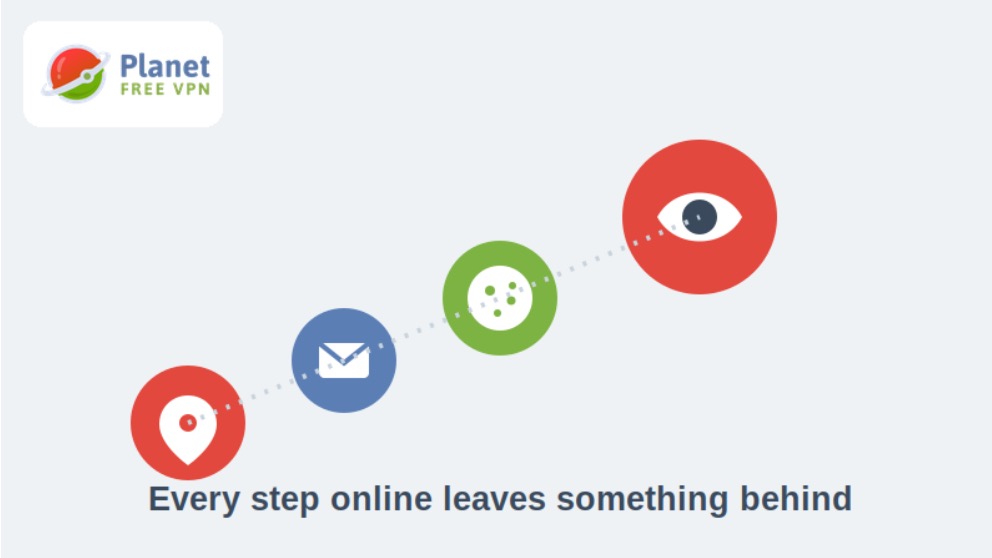
Your digital footprint is the total trail of data you leave behind online — social posts, old forum comments, cached press mentions, saved cookies, location pings from apps, and the metadata attached to every account you’ve ever signed up for. For entrepreneurs, that trail often becomes the first thing a client, investor, or journalist finds before they ever talk to you directly.
What is a digital footprint, and what does it actually include?
A digital footprint splits into two layers. The “active” footprint is everything you post on purpose — LinkedIn updates, guest articles, podcast appearances, product reviews you’ve left. The “passive” footprint is everything collected without a direct action on your part: your IP address logged by websites, location data from a weather app, browsing history sold to ad networks, or your email showing up in a data broker’s database after a site breach. Most entrepreneurs only manage the active layer and ignore the passive one, which is usually where the more sensitive exposure lives.
The two layers compound over time. A single conference bio from five years ago, a domain registration that once listed a home address, and a payment app profile with a public username can each seem trivial on their own. Put together, they sketch a surprisingly detailed picture of where someone lives, who they work with, and how much their business earns. That’s the part most founders never audit, simply because no single piece of it looks alarming in isolation.
How to check your digital footprint before a client or investor does
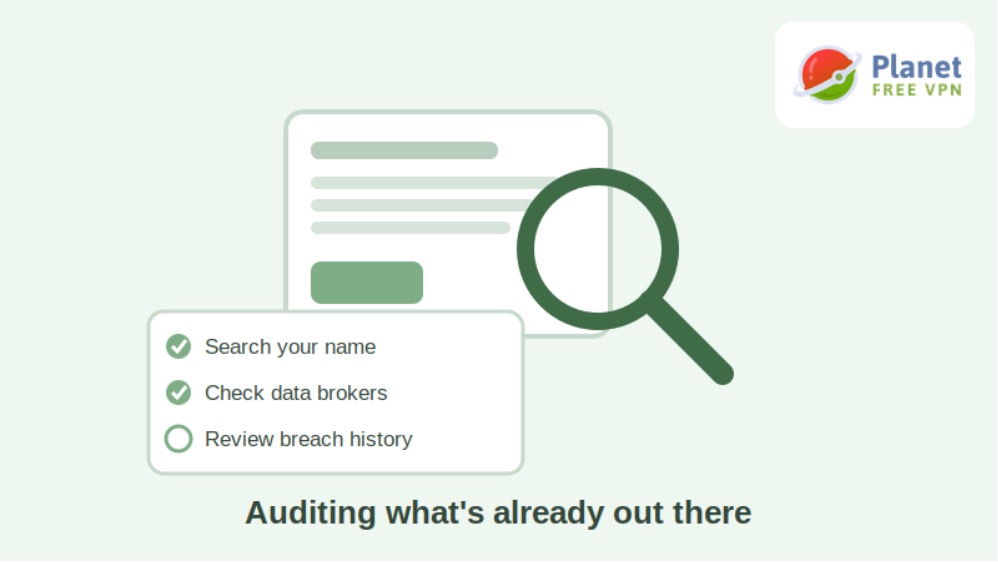
You check it by searching for your name and email across search engines, data broker sites, and breach databases — in that order. Run these checks first:
- Search your name and business name in quotation marks, then check Google Images and the “News” tab separately — old press releases and interviews surface here first.
- Look yourself up on a data broker site such as Spokeo or Whitepages to see what’s publicly listed under your name.
- Check “Have I Been Pwned” to see which of your email addresses appeared in past breaches.
- Review the privacy and ad-personalization settings on your Google and Meta accounts — both keep dashboards showing what they’ve inferred about you.
This audit usually turns up more than people expect: an old business registration with a home address, a cached bio from a company you no longer work with, or a review platform account you forgot existed.
How to reduce your digital footprint without disappearing from Google
You don’t need to vanish from search results — you need to control what shows up and cut off the passive collection you never agreed to. A practical cleanup looks like this:
- Remove or update outdated listings. Contact old employers, directories, and review sites to correct or delete records tied to your name.
- Opt out of data brokers directly. Most brokers have an opt-out form buried in their footer; submit removal requests for the sites that rank highest when you search your name.
- Lock down account privacy settings. Set old social accounts to private or delete ones you no longer use — dormant accounts are a common source of leaked data.
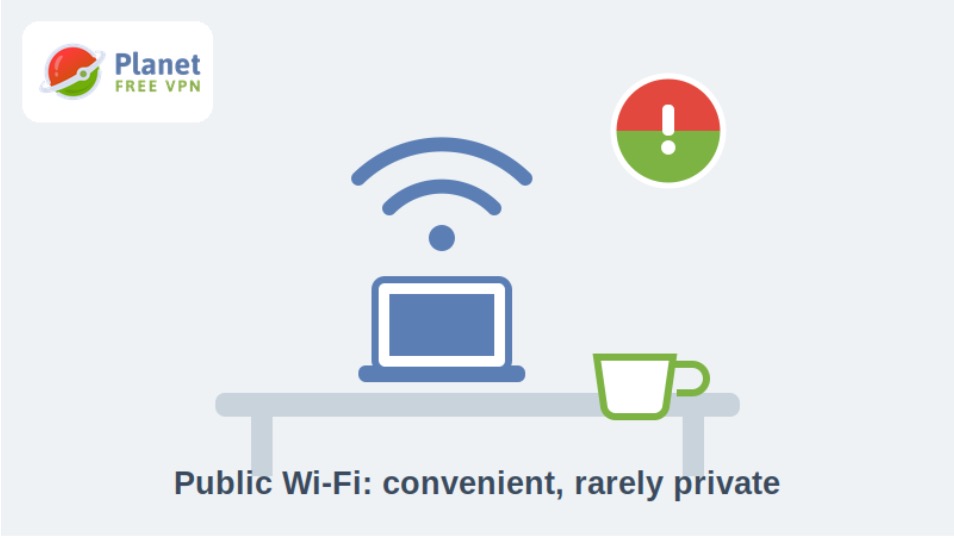
- Encrypt your connection on networks you don’t control. Working from co-working spaces, cafes, or client offices exposes your traffic to anyone else on that network; using a free VPN like Planet VPN can encrypt that connection so your browsing isn’t visible to others sharing the same Wi-Fi.
- Use a separate email for sign-ups. Keep a secondary address for newsletters, trials, and one-off logins so breaches there don’t touch your main business inbox.
None of these steps alone fully “clean” your footprint — together, they remove most of the low-effort ways your data gets scraped and resold.
Why your digital footprint affects your business reputation
Clients and investors Google people before they sign anything. An outdated address on a public registry, a heated comment from a decade-old forum thread, or a mismatched job history between LinkedIn and your website can quietly cost you credibility before a first call even happens. This isn’t about hiding — it’s about making sure the version of you that search engines show is accurate and current, since for many people that search result functions as a first impression they never get to give in person.
The stakes rise with the size of the deal. A freelancer losing a small project to an outdated portfolio link is annoying; a founder losing an investor meeting because due diligence turned up an unrelated negative review tied to a similar name is a much costlier version of the same problem. Treating your footprint as part of your brand, rather than an afterthought, is what separates founders who control their narrative from those who are constantly reacting to it.
Common mistakes that make your digital footprint worse
- Reusing the same username everywhere, which makes it trivial to link unrelated accounts back to one identity.
- Ignoring old, abandoned accounts instead of deleting them, leaving stale personal data sitting on servers you no longer think about.
- Oversharing location in real time — posting “at the airport” or geotagging a home office gives away patterns, not just single facts.
- Skipping two-factor authentication, which turns a single leaked password into full account access.
- Assuming “private” social settings mean invisible — screenshots, cached pages, and mutual connections can still expose supposedly private content.
Digital footprint checklist: best practices for founders and freelancers
- Search your name quarterly and set a Google Alert for it so new mentions reach you automatically.
- Separate personal and business accounts wherever possible, including email and payment profiles.
- Delete or lock unused accounts instead of leaving them dormant.
- Review app permissions on your phone and revoke location or contact access you no longer need.
- Treat public Wi-Fi as public — encrypt sensitive work rather than assuming a network is safe by default.
FAQ
What counts as part of my digital footprint? It includes anything tied to your identity online: social media activity, search history, app permissions, old accounts, public records, and data collected by websites through cookies or trackers.
Can I fully delete my digital footprint? Not entirely — some records, like public business filings or news coverage, are outside your control. You can significantly reduce exposure, but complete deletion isn’t realistic for most working professionals.
How often should I check my digital footprint? A quarterly check is enough for most entrepreneurs, with a deeper audit before major events like fundraising, a product launch, or a press cycle when more people will be searching your name.
Does deleting old social media accounts actually help? Yes — dormant accounts are a common source of leaked personal data during breaches, and closing them removes that data from circulation rather than leaving it stored indefinitely.
Is a large digital footprint always bad for business? No. A visible, active footprint from published articles, talks, or a strong LinkedIn presence can build credibility. The risk comes from the passive, uncontrolled parts of your footprint, not from being visible on purpose.
Do data broker opt-outs actually work? Most reputable brokers honor opt-out requests within a few weeks, but they often re-collect data over time, so it’s worth re-checking and resubmitting requests every six to twelve months.